
Introduction
Are you interested in producing compelling videos that effectively communicate your message? One essential tool for successful video production is a storyboard. A storyboard is a visual representation of your video’s key scenes, helping you plan the sequence and flow of your story. In this article, we will provide you with a step-by-step guide on how to create a storyboard for video production, ensuring that your videos turn out engaging and cohesive.
What is a Storyboard?
Definition
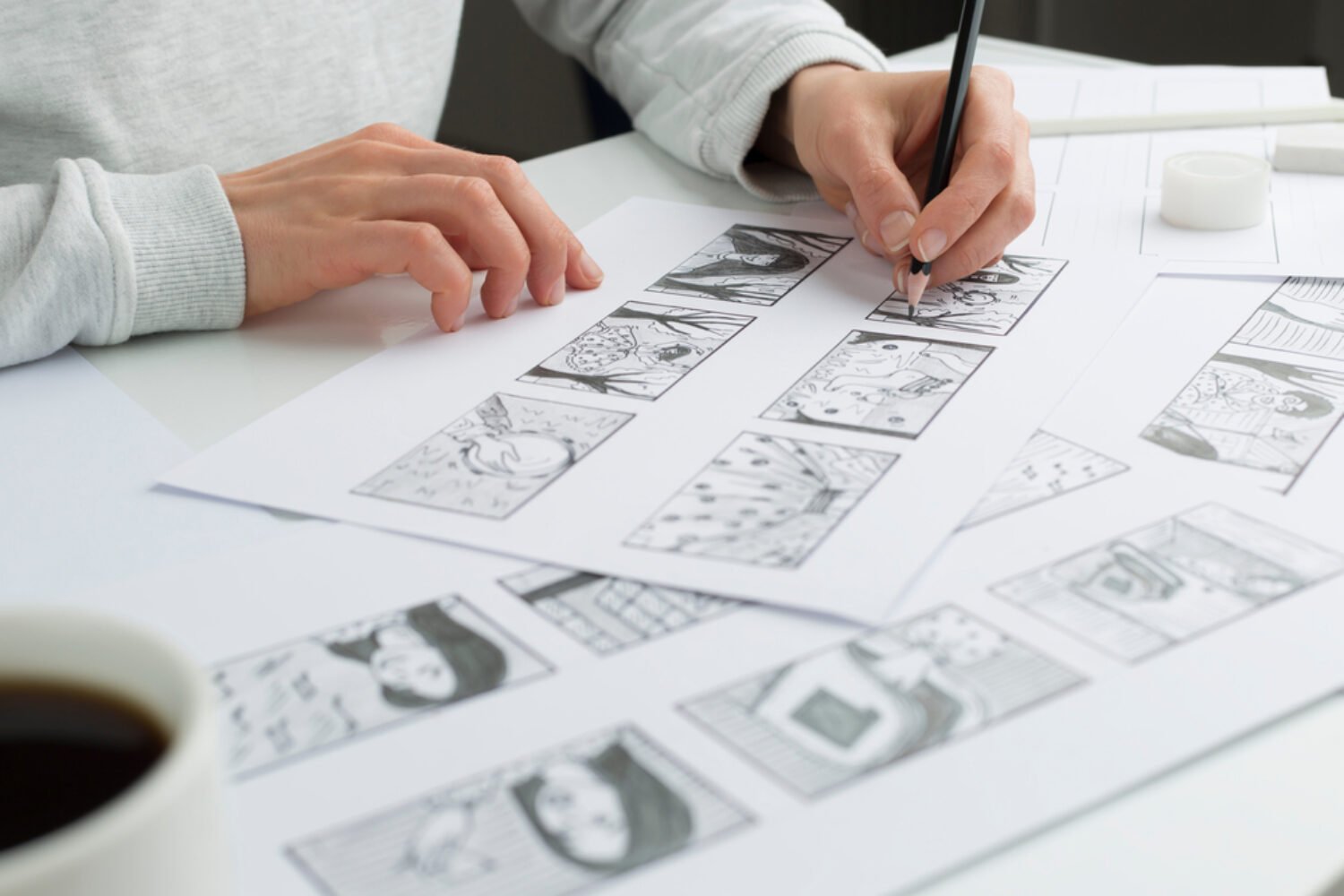
A storyboard is a sequence of illustrations or images that represent the key scenes of a video. It serves as a visual blueprint for the entire video production process. By arranging scenes in a storyboard, you can visualize the progression of your story and ensure a smooth transition between each scene.
Importance
Storyboarding plays a crucial role in video production. It allows you to:
- Organize your thoughts and ideas before filming.
- Identify potential gaps or issues in your story.
- Determine the flow and timing of your video.
- Communicate your vision to your team or collaborators effectively.
- Save time and resources by providing a clear roadmap for production.
Preparing for Storyboard Creation
Before diving into creating a storyboard, it’s important to undertake some preparatory steps to ensure clarity and effectiveness.
Understand the Purpose of the Video
Begin by defining the purpose of your video. Are you creating a promotional video, an educational piece, or a storytelling narrative? Understanding the purpose will help guide your storyboard creation process and ensure that your video aligns with its intended goals.
Identify the Target Audience
Consider who your target audience is. Are they young adults, professionals, or a specific demographic? Tailor your storyboard to resonate with your audience’s preferences and interests. This understanding will inform the tone, style, and content of your video.
Determine the Key Message
Pinpoint the core message you want to convey through your video. This message will drive the entire narrative and help you create scenes that support and reinforce it. Keep your message concise, compelling, and aligned with your overall objectives.
Planning the Storyboard
Once you have a clear understanding of your video’s purpose, target audience, and key message, it’s time to start planning your storyboard.
Create a Script
Develop a script that outlines the dialogue, narration, or key points for each scene. This script will serve as the foundation for your storyboard and guide the visual representation of your story.
Divide the Script into Scenes
Break down your script into individual scenes. Each scene represents a discrete moment in your video and contributes to the overall narrative. Ensure that each scene has a clear purpose and is connected to the main storyline.
Sketch the Scenes
Now comes the creative part. Use simple sketches or illustrations to represent each scene in your script. You don’t need to be an expert artist; the goal is to capture the essence of the scene and its composition. Focus on key elements such as characters, props, and backgrounds.
Organizing the Storyboard
With your scenes sketched out, it’s time to organize your storyboard for optimal flow and coherence.
Arrange the Scenes
Consider the order in which your scenes should appear. Visualize the story unfolding and arrange the scenes accordingly. Ensure that transitions between scenes are smooth and logical, creating a seamless viewing experience.
Add Descriptions and Annotations
To provide clarity to your team, collaborators, or future viewers, add descriptions and annotations to each scene. These can include notes on camera angles, character movements, or any important details that need to be conveyed visually.
Consider Timing and Transitions
Think about the pacing and timing of your video. How long should each scene last? Are there specific transition effects or cuts you want to incorporate? Consider these aspects when organizing your storyboard to ensure a well-timed and engaging video.
Review and Refinement
Before finalizing your storyboard, seek feedback and make necessary revisions to improve its effectiveness.
Seek Feedback
Share your storyboard with trusted individuals or your team and gather feedback. Listen to their suggestions and insights, as they can provide valuable perspectives and identify areas that may need improvement.
Make Necessary Revisions
Based on the feedback received, refine your storyboard by making the necessary revisions. Pay attention to the clarity of scenes, the coherence of the story, and the alignment with your objectives. Iterative refinement will enhance the quality of your final video.
Conclusion
Creating a storyboard is an essential step in video production. It helps you plan and visualize the sequence of scenes, ensuring a coherent and engaging story. By following the step-by-step guide provided in this article, you can create a compelling storyboard that aligns with your video’s purpose, resonates with your target audience, and brings your vision to life.
FAQs
1. Do I need to be an artist to create a storyboard? Not at all! Storyboards are about capturing the essence of scenes, and simple sketches are sufficient. Focus on conveying the composition and key elements of each scene rather than artistic perfection.
2. Can I create a storyboard digitally? Absolutely. There are various digital tools and software available that make creating storyboards easier. Choose a tool that suits your preferences and allows you to add annotations and descriptions.
3. How long should a scene be in a storyboard? The duration of a scene in a storyboard can vary depending on the pacing and complexity of your video. Use your script as a guide and allocate an appropriate amount of time for each scene to ensure a balanced flow.
4. Should I include text in my storyboard? Yes, it’s beneficial to include text descriptions and annotations in your storyboard. These provide additional context and guidance for your team or collaborators during the production process.
5. Can I make changes to the storyboard during video production? While it’s best to have a well-defined storyboard before production begins, it’s normal to make adjustments along the way. Flexibility is key, as unexpected ideas or constraints may arise during the filming process.